
How Home Service Leads Are Delivered
Every Apex lead reaches you the way your team already works: by text message, by email, routed into your CRM, or sent to your call center if you have one.
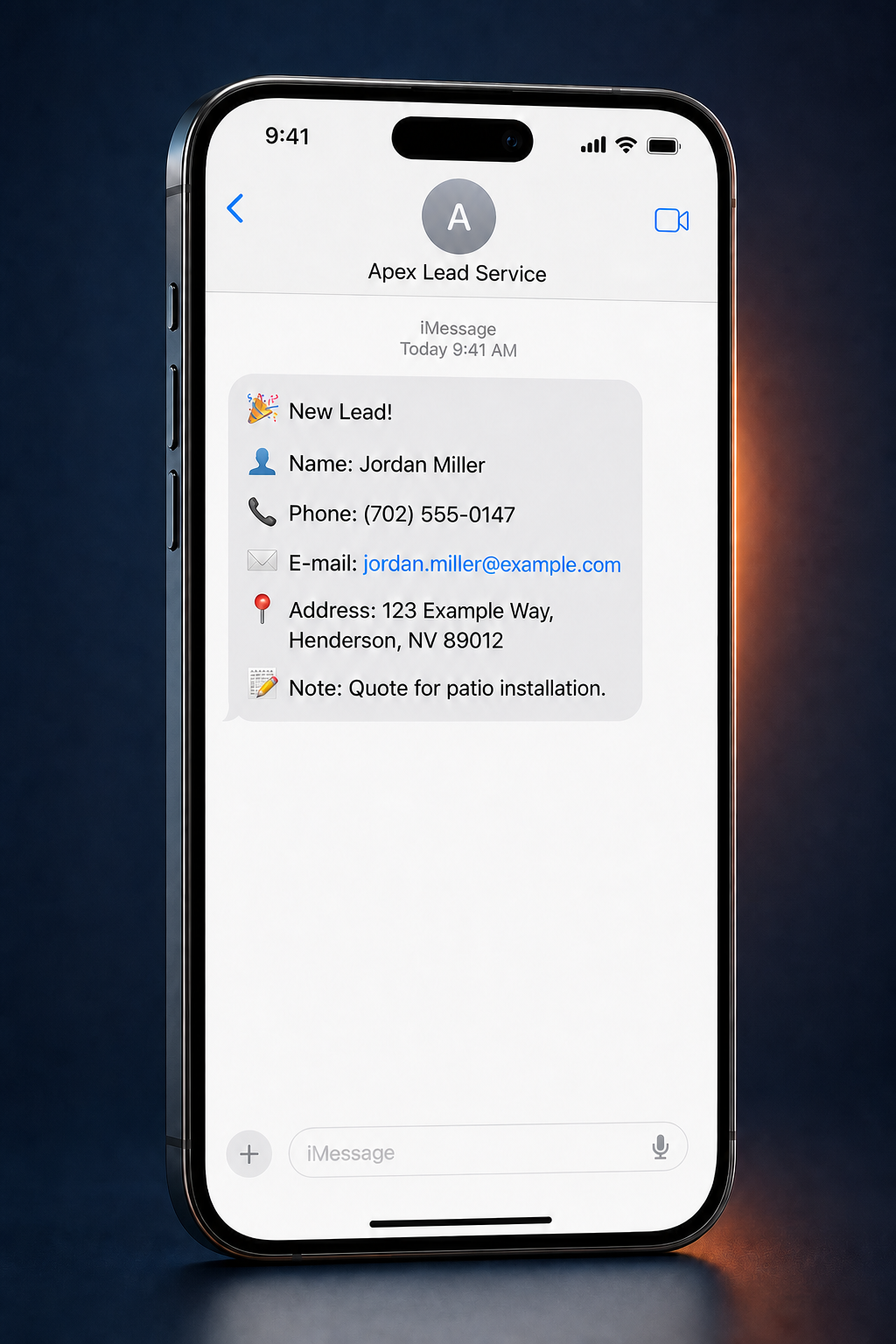
Text Message Delivery
The lead lands on the phone your team already carries, sent from Apex Lead Service, with every detail you need to call the homeowner back right away.
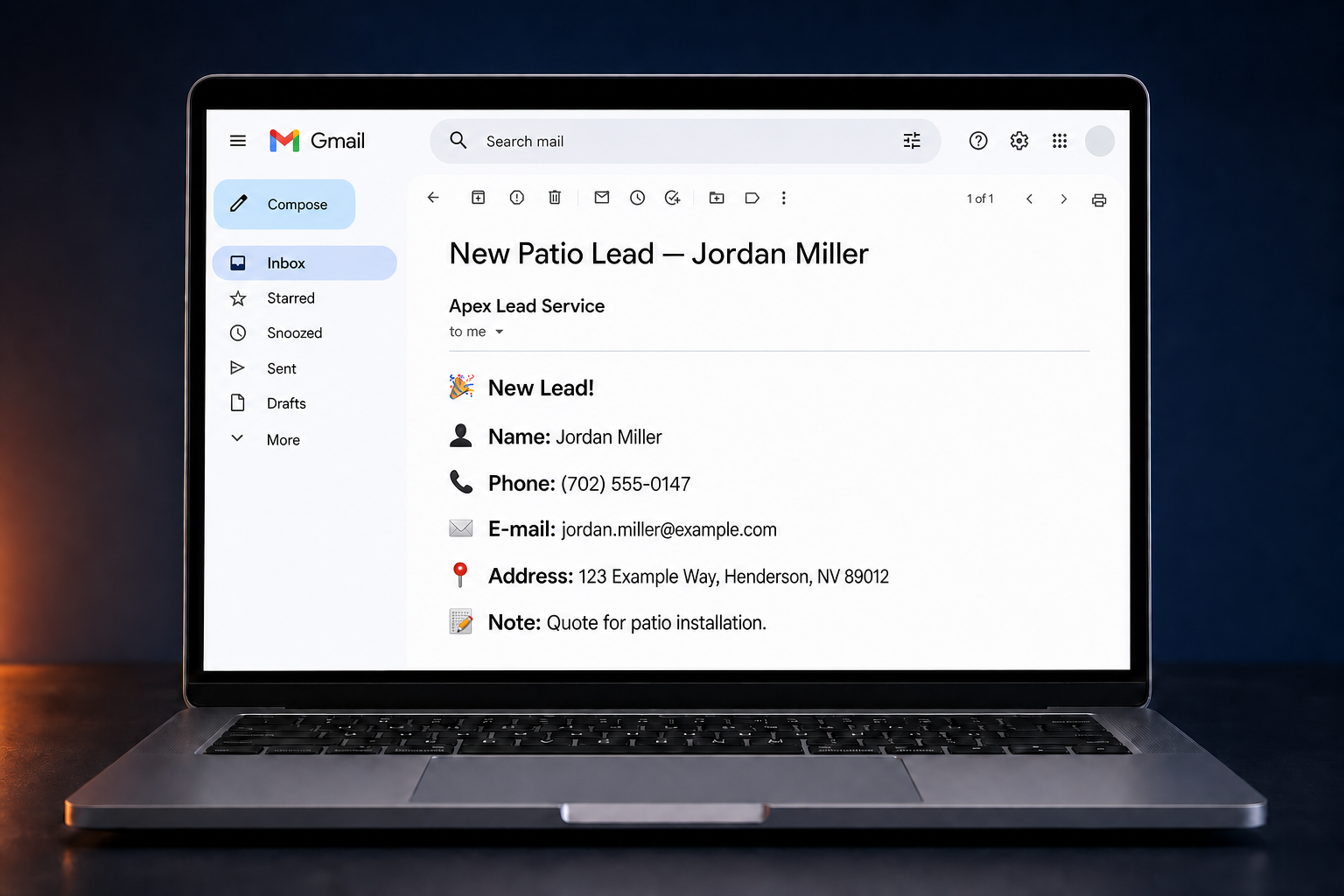
Email Delivery
Email keeps a searchable record of every homeowner, so office staff can forward a lead straight to the right estimator.
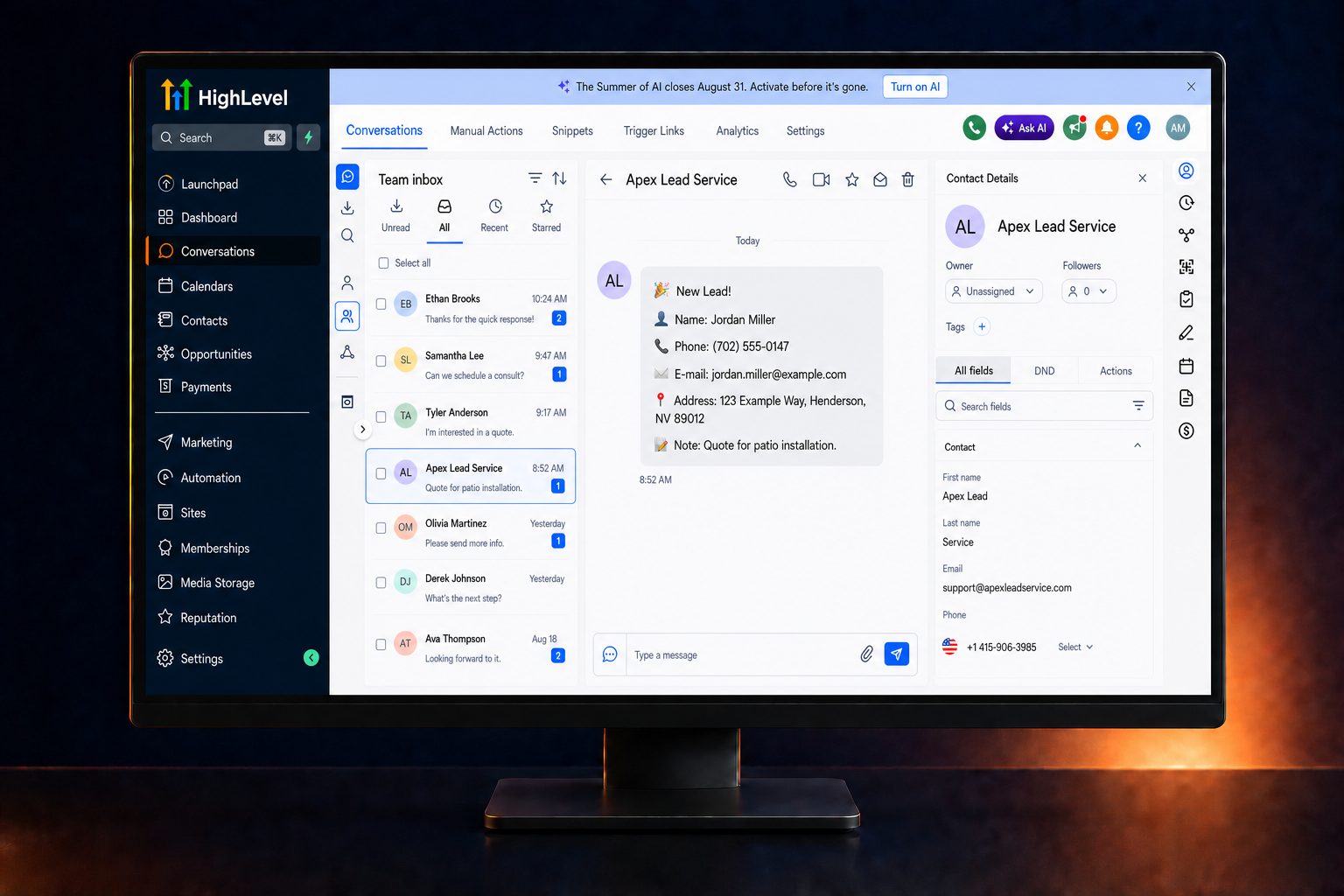
CRM & Call Center Routing
Leads can be routed into the system your team already works out of — GoHighLevel (HighLevel), ServiceTitan, Housecall Pro, and Jobber are common examples — with exact routing depending on your existing setup and confirmed during onboarding. If you operate a call center, we can route leads there through the workflow confirmed during onboarding.
What Each Lead Includes
However it reaches you, the lead carries the same fields.
- Homeowner name
- Phone number
- Email address
- Service address
- Service or project note
From Homeowner Request to Follow-Up
Four steps, every time.
- Step One
Homeowner submits a request
A homeowner in your area asks for help with a specific project.
- Step Two
Apex confirms the details
We verify the request before it ever reaches your phone.
- Step Three
Lead reaches your team
It arrives by text, by email, or routed into your CRM or call center.
- Step Four
Your team follows up
You call with the name, address, and project note in hand.
If a Lead Misses the Mark
Apex replaces up to 30% of your leads each month, no questions asked.
Frequently Asked Questions
How can Apex deliver my leads?
Leads can arrive by text message, by email, routed directly into your CRM, or sent to your call center if you have one. Most contractors start with text and email so the lead lands on the phone the team already carries, then add CRM or call-center routing once the workflow is set.
What information is included with each lead?
Every lead includes the homeowner name, phone number, email address, service address, and a short note describing the project they asked about — enough to call prepared instead of starting cold.
Can Apex send leads into GoHighLevel or ServiceTitan?
Yes. GoHighLevel (HighLevel), ServiceTitan, Housecall Pro, and Jobber are common examples of systems residential contractors already run on. Exact routing depends on your existing setup and is confirmed during onboarding.
How quickly should my team contact a new lead?
Follow up as soon as the lead arrives. A prompt call or text while the homeowner is still thinking about the project makes the conversation easier, and delivery by text keeps that first response fast.
What happens if I receive a bad lead?
Apex replaces up to 30% of your leads each month, no questions asked. If a lead does not meet the standard you were promised, it does not count against your growth.
See What Your Leads Would Look Like
Book a free strategy call and we will set up delivery the way your team works.
Book a Free Strategy Call